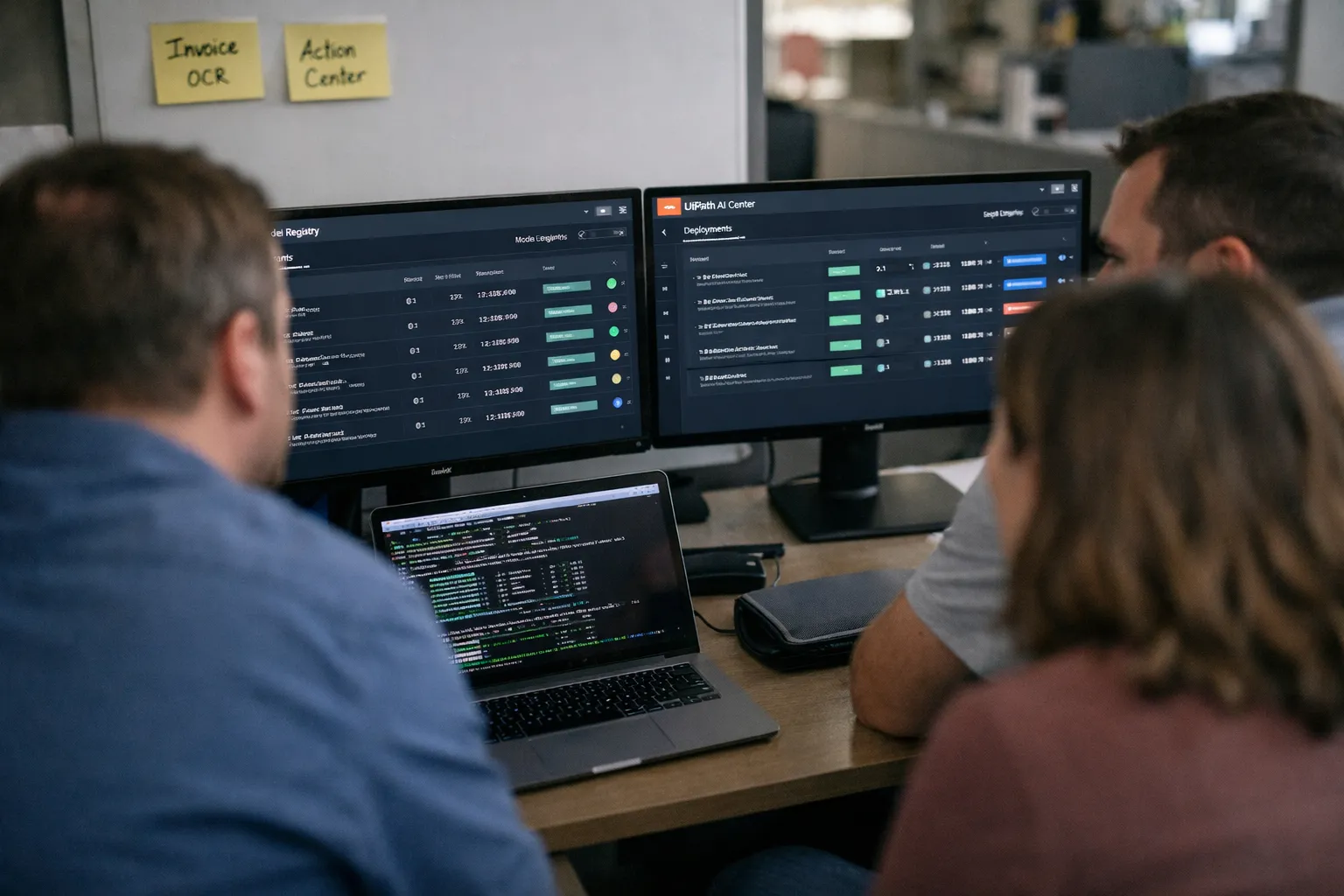
Overview — What are we reviewing? Key specs at a glance
- Product: UiPath AI Center (component of UiPath Automation Cloud and Automation Suite)
- Primary function: model registry, deployment (inference), monitoring and governance for ML/LLM models integrated into UiPath RPA workflows
- Supported artifacts: container images, Python wheels, ONNX models, and common LLM formats; inference endpoints served on Kubernetes (cloud, private cloud, on‑prem) with common model server runtimes
- Newer 2026 additions (ecosystem/ops): first‑class connectors and integration patterns for vector search, local LLMs, and OpenTelemetry metrics; improved RBAC/policy hooks and model cards metadata
- Typical integrations: UiPath Orchestrator, Studio activities, Document Understanding, Action Center, plus connectors to vector DBs and third‑party model servers
- Target users: RPA teams, automation engineers, platform teams operating inference for business automations
Background — Who makes this and who it’s for
UiPath builds AI Center as the operational bridge between trained ML/LLM models and UiPath robotic workflows. For organizations standardized on UiPath orchestration, AI Center aims to be the single runtime and governance plane that robots call when they need predictions, extractions, or prompt‑based enrichment. By October 2026 the market has settled into a pragmatic hybrid posture: enterprises standardize governance and runtime in platforms like AI Center while continuing to use best‑of‑breed MLOps tools for experimentation and training.
Why this matters now: hybrid stacks are mainstream. Automation teams increasingly expect built‑in connectors for vector search and local LLMs to support document enrichment and conversational triage without sending sensitive data to public APIs. Regulators and internal compliance teams also demand auditable model metadata and routing controls — a fit for an RPA‑centric control plane.
Features analysis — what’s new and what still matters
Since mid‑2026 UiPath’s practical focus has been on three areas: deepening LLM/assistant patterns, tightening telemetry and governance, and easing ops at scale. Below I break down the most relevant capabilities for teams adopting or evaluating AI Center today.
Model lifecycle and registry
- Registry and metadata: AI Center still supports containerized models, wheels and ONNX, and now commonly carries richer model cards metadata (intended use, dataset provenance, risk tags) to aid audits and procurement decisions.
- Experimentation workflow: data science teams typically maintain experiment tracking in MLflow or similar and export validated artifacts into AI Center. That hybrid pattern remains the recommended approach to avoid turning AI Center into a training environment.
Deployment and inference
- Serving runtimes: enterprises use a mix of native Kubernetes deployments, dedicated model servers (Triton, KServe, Seldon) and containerized endpoints depending on latency and throughput needs.
- LLM support and vector search: common production patterns link AI Center endpoints to vector DBs (for retrieval augmentation) or to internal LLM hosts to keep sensitive context on‑prem.
- Autoscaling and cost: autoscaling improvements simplify moderate loads but GPU autoscaling for bursty LLM traffic still requires platform engineering (node pools, burst policies, prewarm strategies) to control costs and latency.
Integration with the UiPath platform
- Studio & Orchestrator: updated activity packages make calling inference endpoints and handling conversational outputs easier, including richer error handling and retry semantics.
- Document Understanding: remains a high‑value use case. Teams increasingly combine small local LLMs for classification and vector retrieval for enrichment, then route low‑confidence outputs to Action Center.
Monitoring, observability and governance
- Observability: AI Center exposes inference logs, latency and error metrics and integrates with OpenTelemetry and Prometheus/Grafana for deeper telemetry. Practitioners now instrument inputs/outputs, confidence scores and routing decisions as part of standard pipelines.
- Governance: expanded policy hooks let platform teams enforce allowed model lists, deployment regions, and data‑handling labels. For advanced explainability and fairness checks, teams still rely on external libraries (SHAP, Alibi) or bespoke pipelines that ingest AI Center logs.
Hands‑on patterns and developer experience (Oct 2026)
Successful AI Center adoptions converge on three practical patterns:
- Automation‑first deployments: Automation engineers package vetted models for predictable inference (OCR, classification) and deploy them in AI Center so robots can call stable endpoints with operational SLAs.
- LLM‑augmented workflows: Teams use local or private LLMs plus vector retrieval for enrichment (e.g., contract summarization, claims triage). AI Center provides the endpoint management and governance while vector DBs and retrieval layers live alongside.
- Hybrid MLOps + AI Center: Data science experiments run in MLflow/Kubeflow; validated artifacts are exported to AI Center for production serving. This keeps experimentation flexible and runtime consistent for RPA teams.
Attempting to consolidate heavy experiment tracking and production serving into AI Center alone remains suboptimal — feature stores, large‑scale hyperparameter sweeps and model lineage are still better handled by specialist MLOps tooling.
Performance, real‑world contexts and operational advice
Use cases that deliver clear ROI: document processing (invoices, KYC, forms), customer triage via email/chat enrichment, and deterministic decisioning augmented by LLM classification. Operational guidance for October 2026:
- Treat GPU inference as a distinct cost center: model size, batch sizes and request rate determine TCO; keep representative load tests to estimate per‑inference cost before scaling.
- For sub‑100ms SLAs, colocate inference near robots, optimize models to ONNX or quantized formats, and use edge/node pools to limit network hops.
- Instrument end‑to‑end telemetry (inputs, outputs, confidence, routing) from day one — compliance and ops teams increasingly require this data for audits and incident investigations.
Pros and cons — updated assessment
- Pros: Deep RPA integration; improved support for LLM patterns and vector enrichment; richer governance metadata; flexible deployment (cloud/on‑prem); familiar UX for automation teams.
- Cons: Not a replacement for full‑scale experiment platforms; advanced explainability and fairness tooling still require external systems; GPU autoscaling and cost optimization demand platform engineering; potential coupling if model lifecycle is not modularized.
Pricing and value — what to budget for in Oct 2026
AI Center continues to be bundled into UiPath Automation Cloud and Automation Suite licensing; public per‑endpoint pricing remains uncommon and procurement typically involves tiered or consumption negotiations. The practical cost drivers to budget for are:
- Infrastructure: Kubernetes clusters, GPU node pools, artifact storage and secure registries.
- Runtime: number of endpoints, request volumes, latency SLAs and whether inference requires GPUs or quantized CPU serving.
- People: platform engineering for autoscaling and observability, data science packaging time, and human validators for supervised review queues.
Best practice: run a 6–12 week pilot covering 1–3 automations that reflect true traffic and SLA needs; measure per‑inference cost, engineering hours to maintain endpoints, and human‑in‑the‑loop labor before scaling.
Who it’s for
- Organizations with an established UiPath RPA footprint seeking integrated runtime and governance for production models.
- Teams prioritizing document automation, customer triage and LLM‑augmented workflows where keeping data on‑prem or in private clouds matters.
- Enterprises that need consolidated audit trails and policy enforcement across RPA and ML invocations.
Not ideal as a standalone choice if your primary needs are large‑scale experimentation, feature stores, or exhaustive explainability bundles — pair AI Center with specialist MLOps tooling in those cases.
Alternatives to consider
- Microsoft Power Automate + Azure ML: Good fit if you’re committed to Azure and want native ML lifecycle and managed inference with tight cloud integration.
- Automation Anywhere + AARI/IQ Bots: Another RPA‑centric option — evaluate based on your RPA standardization and the vendor’s LLM/connector roadmap.
- Best‑of‑breed MLOps + open RPA: MLflow/Kubeflow + Seldon/KServe for serving and Robocorp or open-source RPA for lower vendor coupling — more flexible but higher integration cost.
Verdict — practical recommendation for Oct 2026
UiPath AI Center remains the pragmatic operational layer for organizations whose automation strategy centers on UiPath. Through 2026 it has evolved to support LLM‑augmented workflows and vector enrichment patterns while improving governance metadata and observability hooks. The most effective adoption remains hybrid: use specialist MLOps systems for training and experimentation, then deploy vetted artifacts into AI Center for consistent, auditable RPA consumption. Prioritize a scoped pilot to validate autoscaling, GPU strategy and per‑inference economics before broader rollout.
FAQ
Can I use external model training tools with UiPath AI Center?
Yes. The recommended pattern remains: keep experiment tracking and training in MLflow, Kubeflow or similar, export a validated artifact (container image, ONNX) and import into AI Center for deployment. This preserves data science flexibility while centralizing runtime governance for robots.
Does AI Center support LLMs and vector search patterns?
Yes. Modern RPA workflows commonly pair AI Center endpoints with vector DBs and private LLM hosts for retrieval‑augmented generation and enrichment. AI Center acts as the endpoint and governance layer, while vector stores and retrieval components typically live alongside or behind dedicated model servers.
Is AI Center sufficient for regulatory explainability and bias audits?
AI Center provides metadata, audit logs and deployment controls, which help with basic compliance. For feature‑level attributions, batch fairness reports and automated model cards you’ll usually augment AI Center with explainability libraries (SHAP, Alibi) or custom reporting pipelines that ingest inference logs.
How should I plan GPU usage and autoscaling for LLMs?
Plan GPU inference as a separate cost and capacity item: maintain GPU node pools, prewarm or keep hot replicas for latency‑sensitive endpoints, and use queue or request‑based autoscaling strategies. Pilot with representative traffic to estimate latency and cost and set guardrails to avoid runaway spend during bursts.